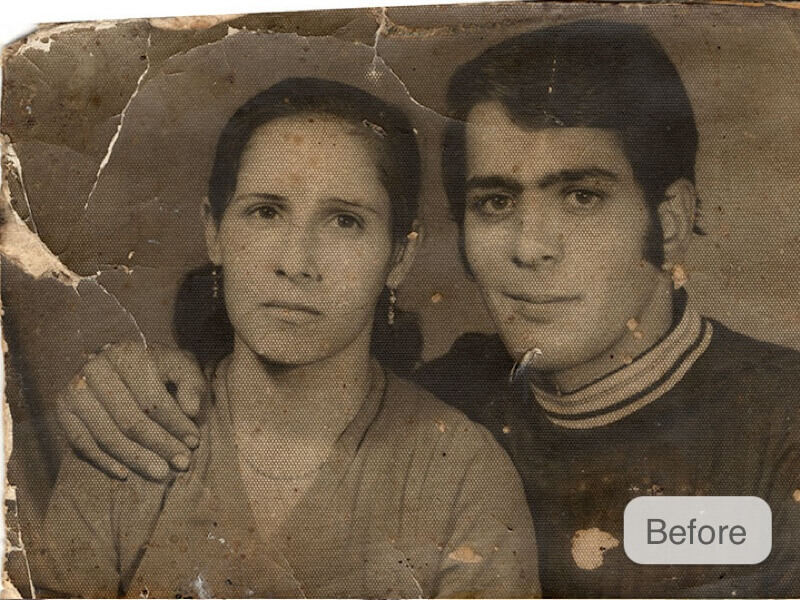
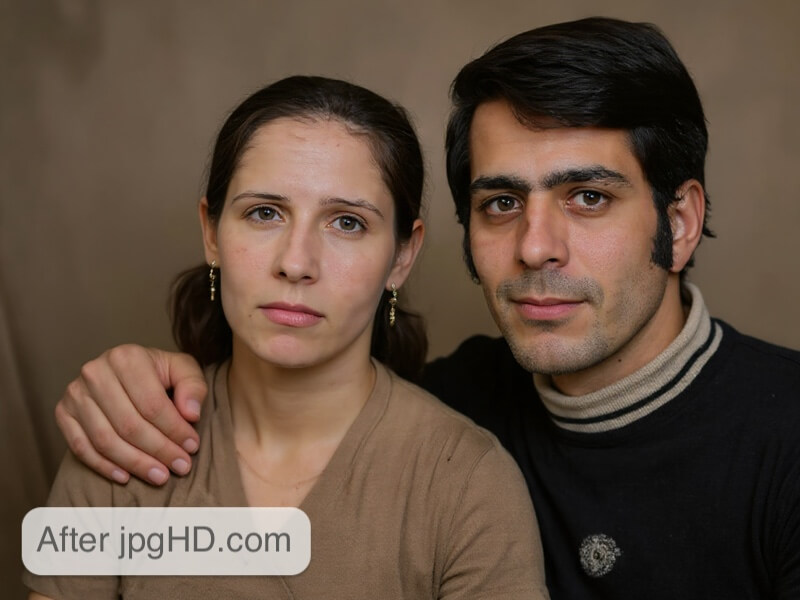
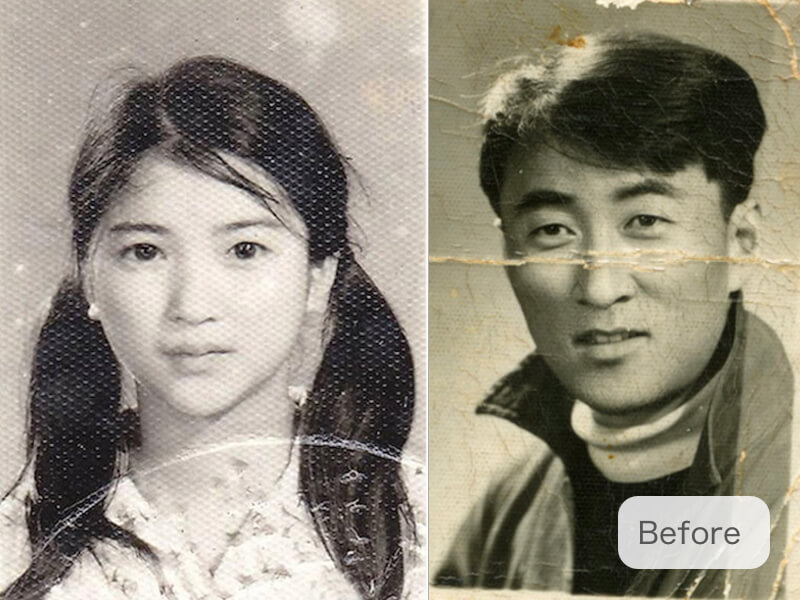
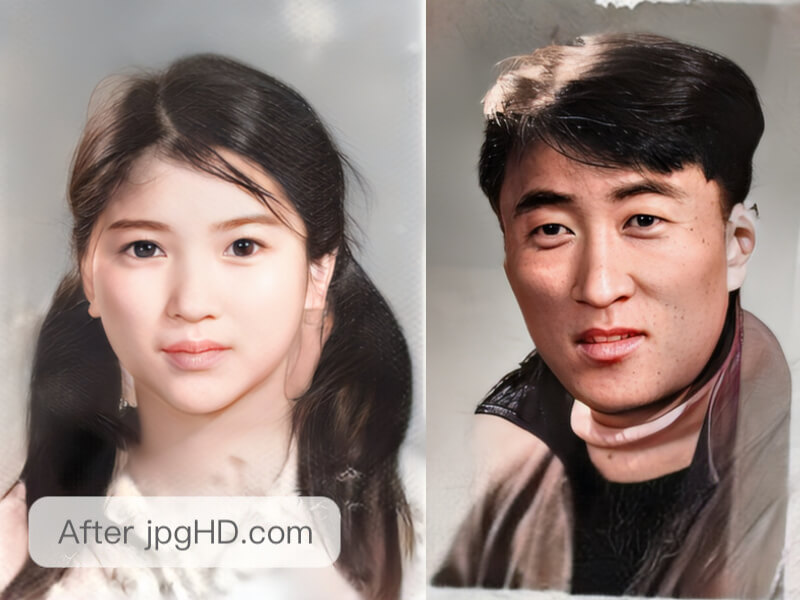
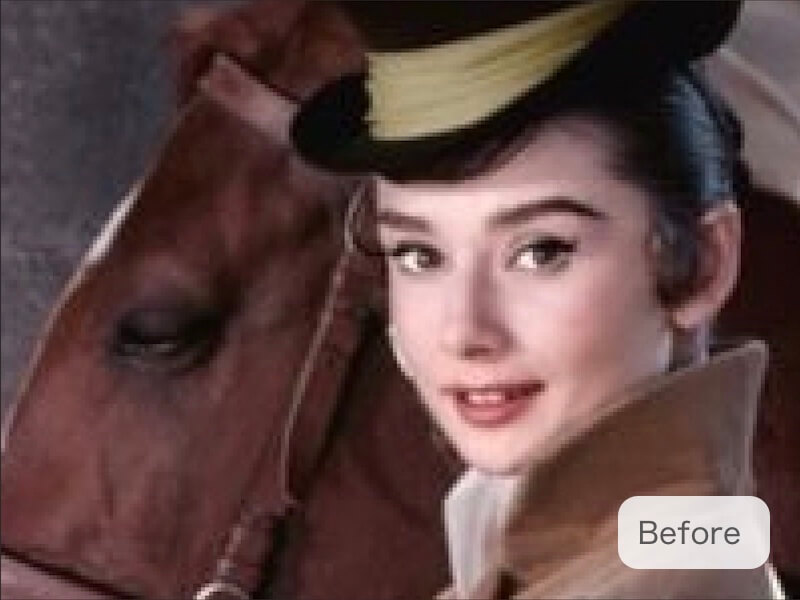
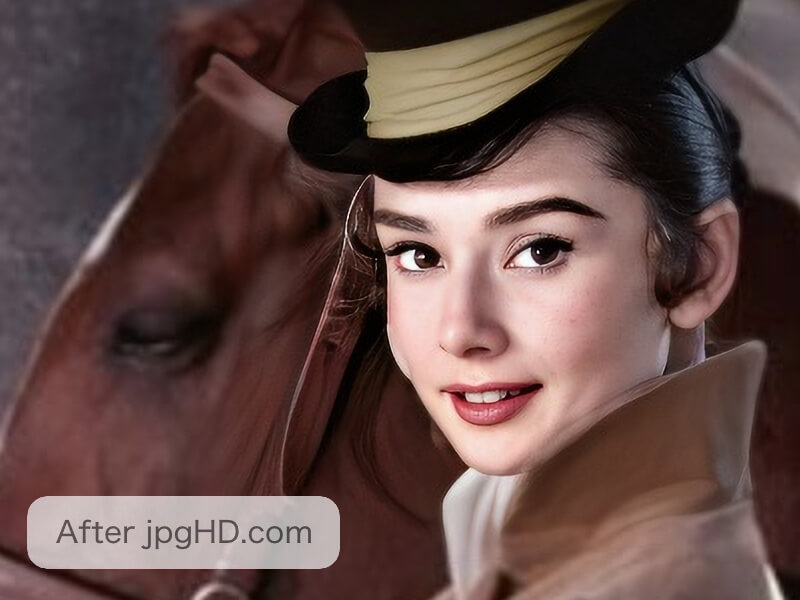
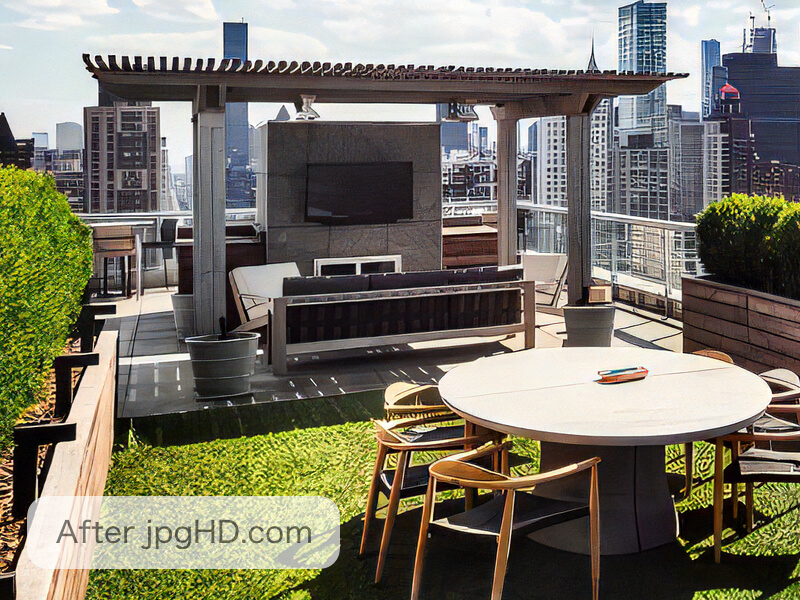
By using 2026 the most advanced AI image super-resolution models and deep learning technology to enhance noisy and scratched images and colorize older photos.
How about the speed?
One image takes about 3~5 minutes, smaller images are faster than large images. Images with fewer faces are quicker than images with more. AI Enhance is faster than Old Photo Restoration. Making a Magic Photo will need more time than both.
How to get the best results?
First, make sure the photos' direction is correct. If the picture needs rotation, please correct it before upload. Secondly, please crop the photo to remove irrelevant background items such as a desktop or picture frame. Finally, please note that if the photo is too badly damaged, there is no way for the AI to repair it perfectly at this time.
What is Magic Photo?
Magic Photo is a process that can make a portrait move vividly. Like the newspapers from Harry Potter! A photo supports up to 10 faces. Please note that more faces increase the processing time. If a face is smaller than 256x256, it will not be detected. In this case, you may want to check the 4x Enlarge checkbox.
What images work best?
jpgHD supports any images. Landscape, portrait, graphic design, illustration, cartoon, old, and scratched photographs, etc are all supported!
What does jpgHD do with the images I upload and the results?
jpgHD automatically deletes data that is more than 3 days old to save storage costs and prevent data leakage. You may manually delete it at any time as well.
Why the charge?
In order to maintain the high GPU server expense of this tool, we offer a paid service. With this service your task is prioritized, there is no limit to the uploads size, you can access higher resolution, scratch-fixing, and more!
Will an Error use credits?
Deleting an error task will refund the credit.
Are jpgHD web demo images processed by human?
No, the demo images are processed automatically by our AI at jpgHD. We crop them to fit this website, which is why you will not recieve the same result by taking these cropped images and running them through. You can download the original images used on our website here.
User Notice
Users must have the necessary rights to upload and process images. We do not provide copyrighted materials.
curl -X POST https://jpghd.com/api/img_upload \
-H 'X-API-KEY: YOUR_API_KEY' \
-d 'filename=small.jpg' \
-d 'filetype=image/jpeg'
# Use url from the response to upload the file to R2.
curl -X PUT --upload-file small.jpg \
-H 'Content-Type: image/jpeg' \
'UPLOAD_URL'import requests
filename = 'small.jpg'
filetype = 'image/jpeg'
r = requests.post(
url='https://jpghd.com/api/img_upload',
headers={'X-API-KEY': 'YOUR_API_KEY'},
data={'filename': filename, 'filetype': filetype}
)
upload = r.json()
with open(filename, 'rb') as image:
requests.put(
url=upload['url'],
data=image,
headers={'Content-Type': filetype}
)
print(upload['fileurl'])
- Call this endpoint with your API key to get a temporary R2 upload URL and the public image URL
- Upload the file with PUT using the same Content-Type, then use fileurl as input in the enlarge API
curl -d '{"style": "photo_mid", "scratch": "", "color": "", "input": "YOUR_IMAGE_URL"}' \
-H 'X-API-KEY: YOUR_API_KEY' \
https://jpghd.com/api/task/
import requests
import json
data = {
'style': 'photo_mid',
'scratch': '',
'color': '',
'input': 'YOUR_IMAGE_URL'
}
r = requests.post(
url='https://jpghd.com/api/task/',
headers={'X-API-KEY': 'YOUR_API_KEY'},
data=json.dumps(data)
)
print(r.json())
- data is JSON format
- style can by photo(Photo AI Enhance + Lossless Enlarge 4X), photo_mid(Photo AI Enhance + Lossless Enlarge 2X), photo_slim(Photo AI Enhance), art(Artwork Image AI Enhance + Lossless Enlarge 4X), art_mid(Artwork Image AI Enhance + Lossless Enlarge 2X), art_slim(Artwork Image AI Enhance)
- scratch is Optional,set empty string will not repair scratch
- color is Optional, set empty string will not colorize the photo
- livephoto is Optional, set empty string will not make magic photo
- return status can be ok(means successed), conf_param_error(means conf parameter errors), exceed_limit(means api credits not enough)
curl https://jpghd.com/api/task/tid,tid,tidimport requests
r = requests.get(url='https://jpghd.com/api/task/tid,tid,tid')
print(r.json())
- yellow part is the task id returned by the Task Create API,split by comma
curl -X POST https://jpghd.com/api/task/tid,tid,tidimport requests
r = requests.post(url='https://jpghd.com/api/task/tid,tid,tid')
print(r.json())
- yellow part is the task id returned by the Task Create API,split by comma
1. No limit in upload
2. Prioritize your tasks
3. Output higher resolution
4. Support old photo restoration
Other Optional
Other Optional
{{num_price(tmp_num, "en")[1]}}
Bonus: {{num_price(tmp_num)[0]-tmp_num}} pics({{num_price(tmp_num)[0]}} in total)
Expiry: 1 Year
Prioritize: YES
Upload Limit: No Limit
Old Photo Restoration: YES
Batch Mode: YES
Old Photo Restoration
Old Photo RestorationColorizeScratch RepairSuper ResolutionEnhanceAI Denoise
This feature is a beta version, it can repair and restore old photos with scratches or other damage and colorize, or make into a Magic Photo. This feature is not supported for Free Users.