jpgHD Blog
How to enhance portraits and faces
Portrait enhancement should make a face clearer without making it look plastic. Start with a clean source and compare the result with the original expression and proportions.
Use only images you own or have permission to edit.
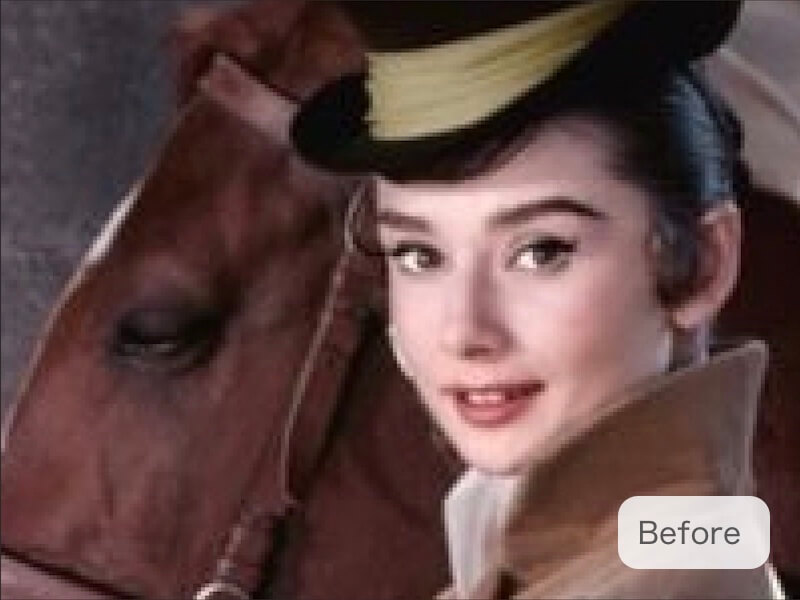 Before
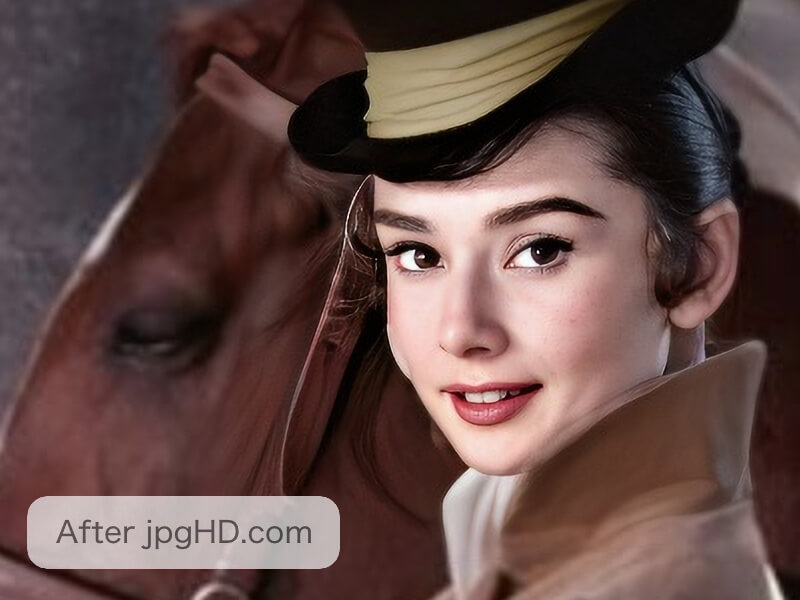 After
AfterWhy this workflow helps
Portrait enhancement should make a face clearer without making it look plastic. Start with a clean source and compare the result with the original expression and proportions.
Check eyes, teeth, hair, skin texture, and small faces at full size; a natural result is more useful than an over-smoothed one.
A practical jpgHD workflow
- Prepare the best source Choose the clearest original you own or have permission to edit, and keep a copy before uploading.
- Upload and process Upload the image to jpgHD, choose the enhancement that matches your goal, and wait for the result.
- Inspect important details Compare the result with the original at the size where you plan to use it. Check edges, faces, text, and repeated texture.
- Refine when needed If an area looks artificial, try a cleaner source or a gentler workflow instead of repeatedly increasing the strength.
- Keep both versions Download the improved image, but keep the original so you can compare or make a different edit later.
Tips for a more natural result
- Check facial texture Inspect skin texture, eyes, teeth, and hair separately so added clarity does not make the face look over-smoothed.
- Watch bright halos Look around hair and facial edges for halos or invented contours when comparing the enhanced portrait at full size.
- Keep expression natural Compare expression and proportions with the original, especially when a face is small or softly captured.
Related articles
- How to fix blurry and noisy images
Practical ways to improve blurry, grainy, or low-light images with jpgHD while keeping important details natural.
- AI image upscaling: how to make photos sharper
Learn how to upscale photos with jpgHD AI, choose 2X or 4X enlargement, prepare the original, and check faces, text, and texture in the larger image.
Frequently asked questions
Will AI preserve every facial detail?
No. jpgHD improves visible information and reconstructs some detail from context, but it cannot recover facial pixels that the portrait never captured.
What portrait source should I choose?
Use the highest-quality original portrait you own or are allowed to edit; a clean scan or uncompressed source supplies more useful information.
How should I judge skin smoothing?
Compare the portrait with the original at its intended viewing size, then inspect eyes, skin texture, hair, and teeth at full size.
Can I use an enhanced face in a project?
You remain responsible for the portrait's rights and for deciding whether the enhanced face is suitable for the project or intended audience.