jpgHD Blog
AI image upscaling: how to make photos sharper
Upscaling adds useful pixels to a small image, but a good result starts with the best original you can find.
Use only images you own or have permission to edit.
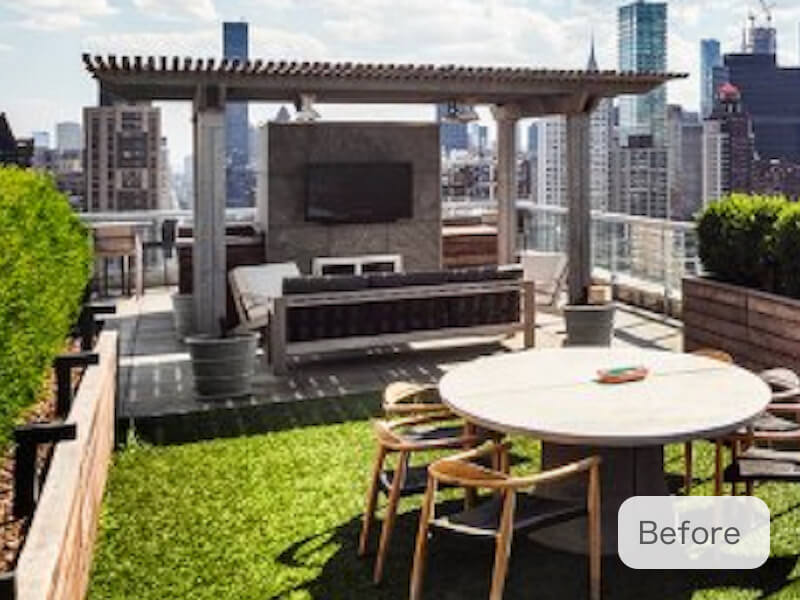 Before
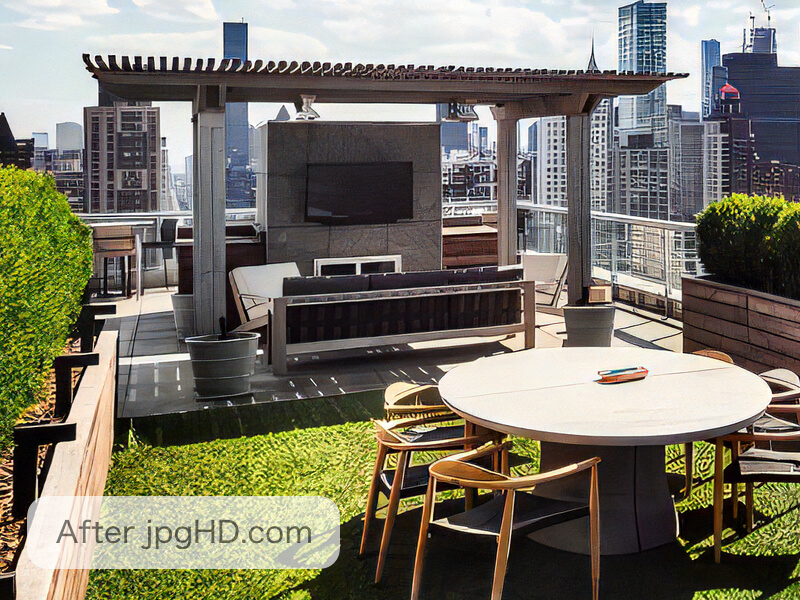 After
AfterWhy this workflow helps
Upscaling adds useful pixels to a small image, but a good result starts with the best original you can find.
For prints, family photos, and web images, compare the enlarged file at its intended viewing size instead of judging only a tiny preview.
What do 2X and 4X enlargement mean?
The factor applies to width and height. For example, a 1000 x 750 image becomes 2000 x 1500 at 2X, or 4000 x 3000 at 4X. That is four times or sixteen times the pixel count, respectively. A larger file does not prove that every new detail is accurate.
Choose the factor from the size you need for your layout or print. If 2X already meets that requirement, 4X may add file size without a useful improvement. The standard photo and artwork modes have these controls; Ultra Restoration is a separate mode without this scale selector.
A practical jpgHD workflow
- Choose the best original Upload the camera file, exported artwork, or clean scan with Select Images. Use the original rather than a compressed chat download or screenshot when possible.
- Select the image type Choose Portrait/Landscape for a photograph or Artwork/Anime for a drawing. Keep scratch repair and Colorize off when your goal is only to enlarge a clean color image.
- Choose 2X or 4X Select the enlargement in the standard mode settings. Use 2X when doubling the width and height meets your needs; choose 4X when you need a larger output and can inspect its extra detail.
- Process and inspect Press Start and wait for the task to finish. Compare the output at its intended display size and inspect faces, small text, straight edges, and repeated patterns at full size.
- Download the useful version Keep the original and the downloaded result. If the output introduces unwanted detail, return to the original and try the smaller enlargement instead of repeatedly upscaling the previous result.
Tips for a more natural result
- Start with the right original Use the cleanest, least compressed file you own so enlargement has more genuine visual information to work with.
- Choose the enlargement purpose Decide whether the image is for a print, family keepsake, or web display before judging the enlarged file.
- Check at final size View the upscaled image where it will actually appear, then inspect fine edges and texture at full size.
Prepare a small image before making it larger
Look for a better original first. A file downloaded from a chat or social network may have less detail than the camera image. Save a separate working copy, crop unnecessary borders, and avoid exporting it repeatedly as JPEG.
For ordinary photos, select Portrait/Landscape; for illustrations, select Artwork/Anime. Enlargement does not require scratch repair or Colorize. Basic enhancement is available within the free allowance; paid repair features have their own credit costs.
Check whether a larger image is also a better image
Compare the original and result at the same intended display size so the larger dimensions do not hide artifacts. Then inspect eyes, hair, fabric, straight edges, and small lettering at full size. Watch for changed letters, halos around edges, or repeated texture that was not present in the source.
AI can estimate additional detail from context, but a blurred face or illegible word may stay uncertain. Do not use an inferred letter or number as a verified reading of the original. If an output looks too artificial, use a cleaner source or try 2X from the original file.
Related articles
- How to enhance portraits and faces
Improve portrait clarity with jpgHD: prepare the image, protect natural features, and review faces at a useful size.
- How to upscale anime, illustrations, and designs
Learn how to enlarge anime art, illustrations, logos, and graphic designs while protecting line work, edges, and flat colour.
Frequently asked questions
Does 4X mean four times as many pixels?
4X multiplies both width and height by four, giving sixteen times the pixel count. 2X doubles both dimensions and gives four times the pixel count.
Is 4X always sharper than 2X?
No. A larger output can also make inferred texture and edge artifacts more visible. Choose the size needed for your final use and compare the result with the source.
Can I make a small photo larger for free?
Standard photo and artwork enhancement is available within the current free allowance. Check the pricing page for upload limits. Scratch repair and Ultra Restoration are paid features and each uses 3 credits per image.
Can upscaling make unreadable text accurate?
It can make lettering look clearer, but reconstructed characters may be wrong. Confirm important text against the original or another reliable source.
Should I upscale the result again?
Start again from the best original when trying a different setting. Repeatedly enlarging an AI output can amplify artifacts; keep the original and publish only images you have permission to use.